 GIANTCHECK
How to Make a Giant Check for YouTube and TikTok Reveal Videos
Prize reveal videos, sponsorship announcements, and "surprising someone with cash" content all lean on the same prop. Here's how to make one that reads clearly on a phone screen.
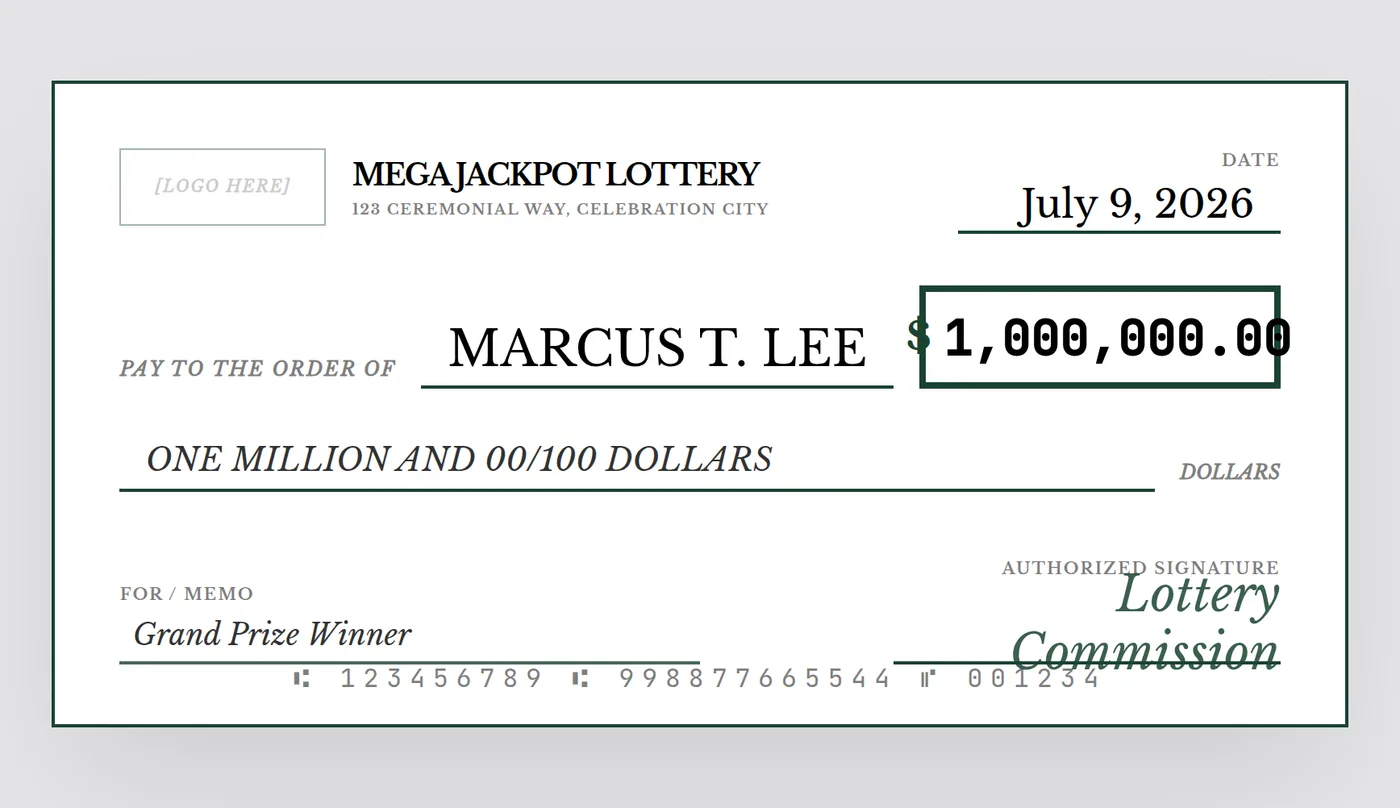
Giant checks show up constantly in creator content — surprise-cash reaction videos, giveaway winner announcements, "I gave a stranger $10,000" formats, and sponsorship reveal clips. The prop does a lot of the storytelling work: viewers understand instantly what's happening the moment it appears on screen, even with the sound off.
Design differently for a screen than for a stage
A check destined for a phone screen or video frame has different priorities than one built for a live stage presentation:
- Bigger, bolder amount text — viewers are watching on a 6-inch screen, often at low volume or on mute with captions, so the number needs to be readable at a glance
- Simpler backgrounds — busy patterns or fine print compress poorly under video encoding; clean, high-contrast layouts hold up better
- No physical print needed — unless you're literally handing someone a printed check on camera, a PNG export is all you need
Fitting a landscape check into a vertical video
Most giant checks are a 2:1 landscape shape, but most short-form video is 9:16 vertical. Common approaches creators use:
- Full-width horizontal insert — cut to the check filling the frame width, with black bars above and below, for a couple of seconds during the reveal beat
- Held on camera — if filming someone physically holding a printed check, frame it so the check fills roughly the center third of a vertical shot
- Animated reveal overlay — many editors scale and slide the check image in as a graphic element rather than filming a physical print at all
Real amount vs. bit amount
Some creators use the actual sponsorship or prize figure for transparency and credibility; others lean into an obviously exaggerated number as a comedic device. Both are common — just make sure the surrounding video makes clear which one you're doing, since a giant check with a real-looking amount can be mistaken for a genuine claim if the context isn't obvious.
Export tip: skip the print, keep the resolution
Even for video-only use, export at the highest resolution available rather than a quick screenshot — video platforms recompress footage, and starting from a soft, low-res source image makes text blur further after upload.
Build your reveal-video prop
Pick a bold theme, set the amount, export a clean high-res PNG ready to drop straight into your editor.
Open the Free Designer →$10 for the clean, high-resolution download · no signup required
Frequently asked questions
Do I need a physical printed check for a video?
Not necessarily — if the check only ever appears on screen (an editing overlay, a green-screen prop, or a still image cut into the video), a high-resolution PNG is all you need; printing only matters if you're physically holding it on camera.
What aspect ratio should I use for a TikTok or Shorts reveal?
The check itself keeps its standard 2:1 landscape ratio, but you'll typically show it as one element within a 9:16 vertical frame — for example, cutting to the check as a full-width horizontal insert, or holding it up in a vertically-framed shot.
Should the amount on a video check be real or exaggerated?
That's a creative choice — some creators use the real payout or sponsorship amount for transparency, while others use an intentionally large, obviously exaggerated number as part of a comedic bit. Either works as long as the video's context makes clear which one it is.